
How to Search Chatham County Court Records
The county runs two main entry points. The Chatham County Court System homepage hosts a date-based proceedings tool. Pick a date, click View Cases By Date, and switch between Criminal, Civil, and Recorders tabs. For full case files and eFiled documents, the courts link to the statewide re:Search Georgia portal as their Case Lookup. The Clerk of Superior Court homepage points to the same portal and notes that all documents recorded and filed in the Clerk's office are scanned and accessible online.
Get the basics in hand before you start. A full legal name, a case number when you have one, and the court type cut a long list down fast. Probate matters use a separate site at Georgia Probate Records. Recorder's Court traffic and ordinance payments run through the Municipal Online Payments portal linked from the court homepage. Older State Court files may need a written request and a small per-page copy fee.
- Open the Chatham County Court System homepage and use the Court Proceedings for date input for today's calendar.
- Click View Cases By Date and choose the Criminal, Civil, or Recorders tab.
- For full case files, click the Case Lookup link and search re:Search Georgia by case number or party name.
- Narrow by court (Superior, State, Magistrate, Juvenile), case type, and date filed.
- Open a docket to read filings, orders, hearings, dispositions, and judge assignments.
- Request a certified copy through the Clerk of Superior Court eCertification service or the right clerk for non-Superior matters.
The official re:Search Georgia portal is JavaScript-driven, and some document features ask users to accept terms or create an account.
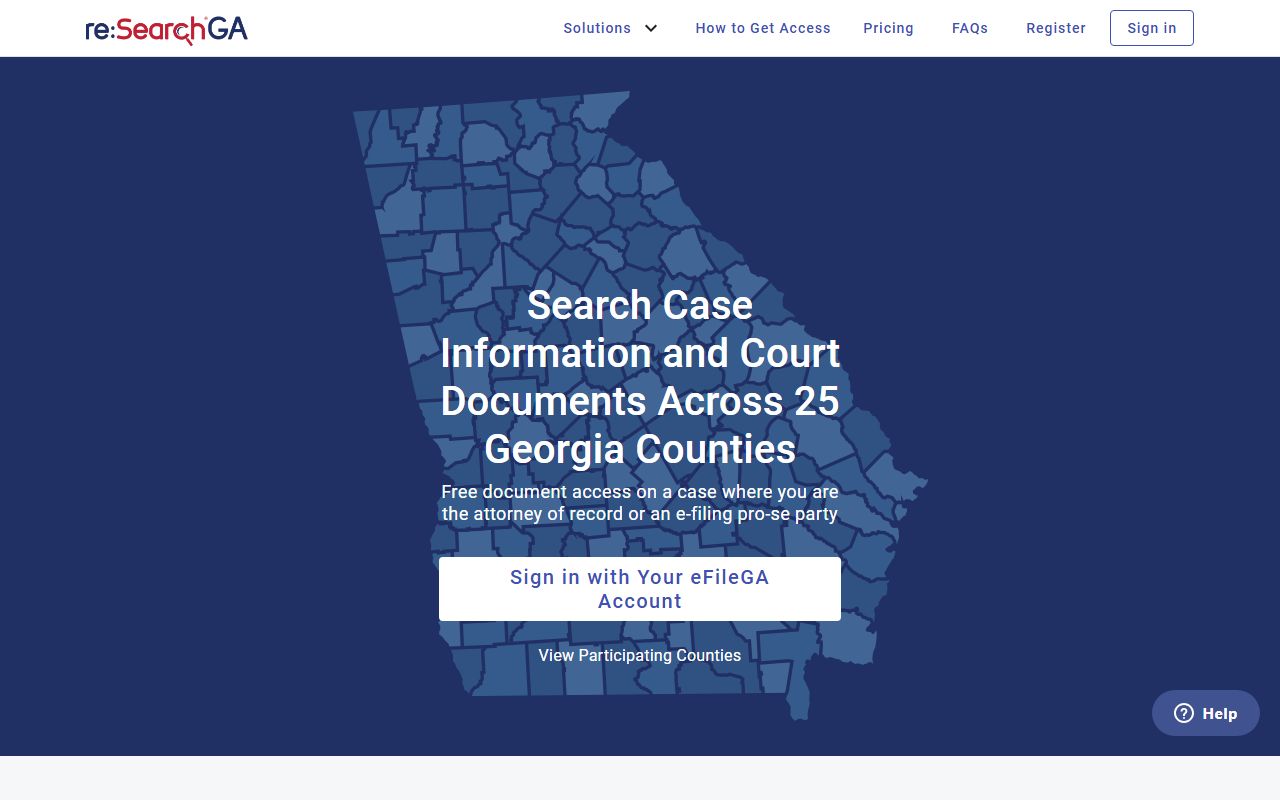
That view shows the entry page Chatham links to from both the Court System homepage and the Clerk of Superior Court site.
Chatham County Court Records Search Fields
The Chatham Court System homepage proceedings tool is the simplest search. It runs off a date and a category tab, not a long form. The fields are short and direct, and the results read like a daily court calendar. Use it when you know the hearing date or you want to check what is on the docket today.
| Field Label | Type | Required | Notes / Format |
|---|---|---|---|
| Court Proceedings for | Date input | Yes | Date of court proceedings; homepage exposes a date input. |
| View Cases By Date | Button | n/a | Runs the date search. |
| Criminal | Tab / filter | Optional | Limits results to criminal proceedings. |
| Civil | Tab / filter | Optional | Limits results to civil proceedings. |
| Recorders | Tab / filter | Optional | Limits results to Recorder's Court items. |
For document-level search, switch to re:Search Georgia. That portal accepts a court/location, a case number, a party name, first and last name parts, a date range, and a case type. Case number gives the most precise match. Party name works best with a full legal name and a date range.
Types of Chatham County Court Records
The county court system produces criminal, civil, family, traffic, probate, juvenile, and small claims records. Each kind sits with the court that handled it. Superior Court holds felonies, divorces, and major civil matters. State Court holds misdemeanors and bound-over traffic. Magistrate Court holds small claims and dispossessory cases. Probate holds estates and marriage applications. Recorder's Court holds local Savannah traffic and ordinance citations under the city.
- Criminal records — felonies in Superior Court; misdemeanors in State Court; warrant applications in Magistrate Court. See Chatham County arrest records.
- Civil records — general civil and domestic filings, garnishments, dispossessory warrants, and foreclosure writs.
- Family and divorce records — divorces, custody, child support, and protective orders are Superior Court matters. See marriage and divorce records.
- Probate records — wills, estates, guardianships, conservatorships, and marriage licenses. See Probate Court records.
- Traffic records — Recorder's, municipal, and State Court hold the case file; the state DDS holds the driver record. See traffic court records.
- Juvenile records — access is limited under O.C.G.A. 15-11-700 through 15-11-710 and runs through the Juvenile Court.
Magistrate Court has its own filing limits. It hears civil claims of $15,000 or less, dispossessory warrants, garnishments, personal property foreclosure, post-judgment interrogatories, trover, abandoned vehicle matters, and writs of fieri facias.
What Chatham County Court Records Show
A Chatham County court record shows the case file as it sits in the clerk's office. The exact fields depend on the court, but the proceedings list on the Chatham courts homepage is a good guide to what users see online. The list pulls case-level metadata and not the full file. The full file lives in re:Search Georgia or in the clerk's office.
| Field | What It Shows |
|---|---|
| Case Number | Court-assigned case ID; use this for the most precise lookup. |
| Filing Date | Date the case was opened with the clerk. |
| Parties | Plaintiff and defendant, petitioner and respondent, or decedent and estate. |
| Court / Courtroom | Court division and courtroom assignment. |
| Judge | Assigned judicial officer. |
| Attorney | Counsel of record where listed. |
| Type / Event | Proceeding or event type (motion, hearing, arraignment). |
| Session / Time / StartTime | Calendar session and the hearing time fields. |
| Disposition | Case outcome — dismissed, plea, conviction, judgment, closed. |
| Sentence / Judgment | Fines, jail, probation, monetary judgment, or court orders. |
| CourtSessionID | Internal session identifier shown on the proceedings list. |
Some financial fields and documents are visible only inside the case file on re:Search Georgia or by clerk request. The Chatham proceedings list does not show documents, financials, or redactions on its summary view.
Public Access Laws for Chatham County Court Records
Georgia treats court and agency records as presumptively public. The framework starts with the Georgia Open Records Act under O.C.G.A. Title 50, Chapter 18. Court-specific access is also shaped by clerk fee statutes, juvenile confidentiality rules, and criminal history restrictions under O.C.G.A. Title 35.
Key Statutes:
O.C.G.A. § 50-18-70 — sets Georgia's strong policy favoring open government and defines what counts as a public record.
O.C.G.A. § 50-18-71 — lays out the inspection right, copy fees, search and redaction charges, and response timing.
O.C.G.A. § 50-18-72 — lists the exemptions: medical records, certain investigative files, personal identifiers, and other protected items.
O.C.G.A. § 15-6-77 — the Superior Court clerk fee statute that Chatham's local fee schedule follows.
O.C.G.A. § 35-3-37 — the criminal history record restriction statute that controls Georgia's expungement-style process.
Agencies cannot charge for creating new records that do not exist. The Governor's Office open-records page cites O.C.G.A. 50-18-71(j) for the no-create rule. For a full walkthrough on how to file a request, see the Chatham County public records page.
Restricted and Confidential Chatham County Court Records
Not every court file is open. Juvenile records under O.C.G.A. 15-11-700 through 15-11-710 are not treated like adult records. Sealed orders, adoption files, mental health filings, and protective order details often have limited access. Booking photos are restricted under HB 845, which is why the Sheriff's Office does not publish mugshots on its booking lists.
Criminal history restriction under O.C.G.A. 35-3-37 is the Georgia version of expungement. The GBI record restriction page says arrests after July 1, 2013 require contacting the prosecutor; older arrests go through the arresting agency. Restricted records remain available to courts and criminal justice agencies and may still need a separate sealing order to clear public docket entries.
Note: Online court data is a starting point; confirm critical details with the clerk that holds the case file before relying on them for legal or background-check use.
Requesting Certified Chatham County Court Records
Screenshots and unsigned PDFs from a public portal are not court-certified. Courts and agencies that need a certified copy ask for a clerk seal or signature. Each court runs its own copy path.
- Superior Court: use the Clerk's eCertification service or the office at 400 W. Oglethorpe Avenue, Suite 178.
- State Court: submit the State Court record search request with $1.00 per page and a self-addressed stamped envelope.
- Probate Court: use the Probate Record Room with a $10 research fee for mailed or staff-assisted research.
- Magistrate Court: request copies through the Magistrate forms page in Room 303 of the Coleman Courthouse.
- Recorder's Court: contact the court for case dispositions tied to local citations.
Probate's certified copy of the first page runs $10.00. Superior plain copies are $0.50 per page. Marriage license fees vary by whether the couple has a premarital education certificate under O.C.G.A. 19-3-30.1.
Chatham County Courts That Hold Records
Six classes of trial court sit in Chatham County. Each one holds the records for its own cases. The two main downtown buildings hold most of the action, with Juvenile Court on Carl Griffin Drive and municipal courts in the smaller cities.
For a deep dive on the trial courts, see the Superior Court page, the State Court page, the Magistrate Court page, and the Recorder's Court page. The Clerk of Superior Court and Court Clerks pages cover the offices that keep the files.
| Court | Building | Records Held |
|---|---|---|
| Superior Court | Gadsden Courthouse | Felonies, divorce, equity, broad civil. |
| State Court | Gadsden Courthouse, Suite 127 | Misdemeanors, traffic bound over, civil. |
| Magistrate Court | Coleman Courthouse, Room 303 | Claims $15,000 or less, dispossessory, warrants. |
| Probate Court | Coleman Courthouse, Room 509 | Wills, estates, guardianships, marriage licenses. |
| Juvenile Court | 197 Carl Griffin Drive | Delinquency and dependency files (restricted). |
| Recorder's Court | Coleman Courthouse, 1st floor | City traffic and ordinance citations. |